Promate Ken Ergonomic Ambidextrous Wireless Mouse – Overview
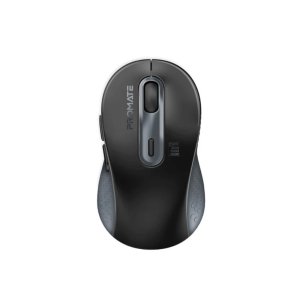
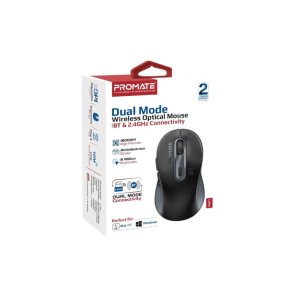
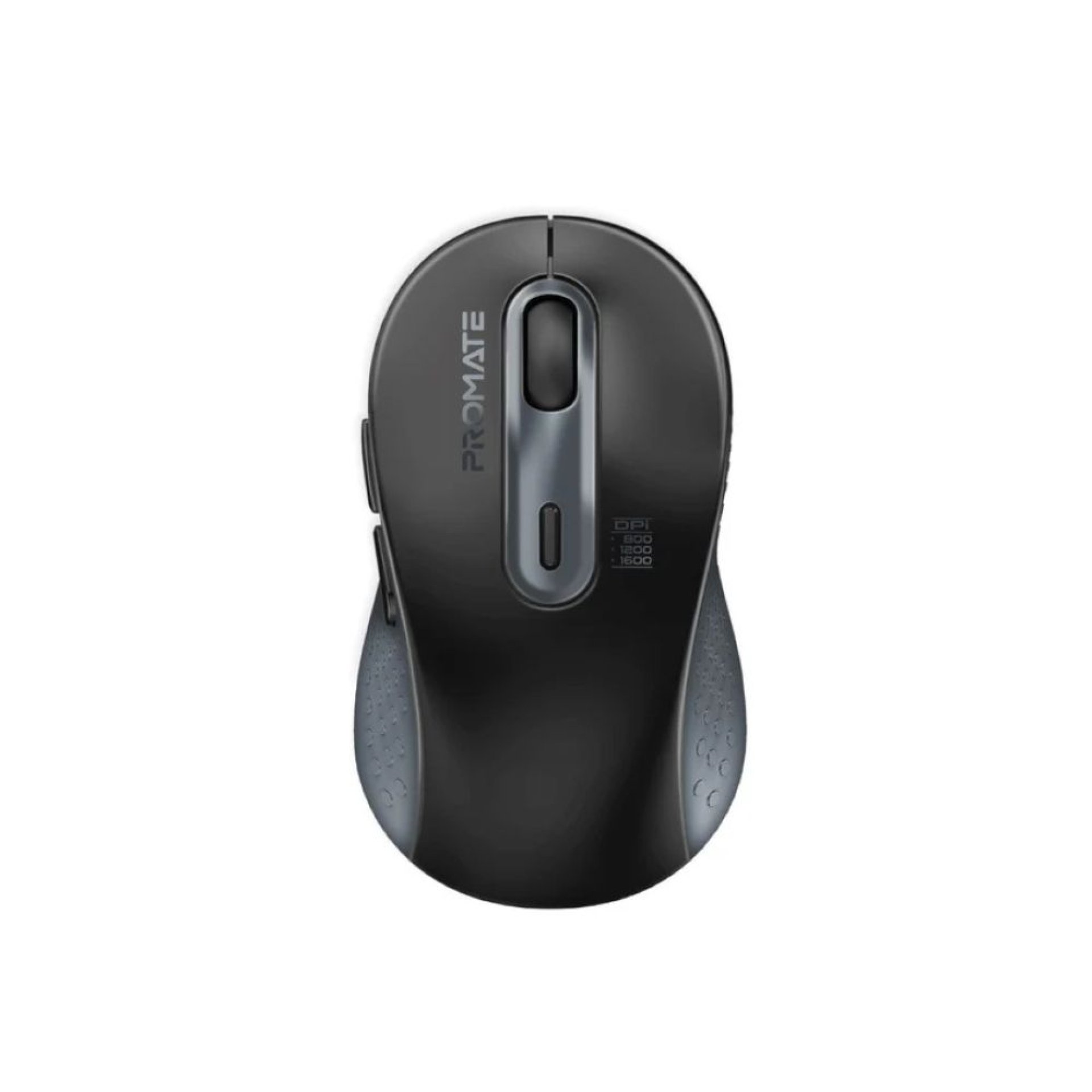
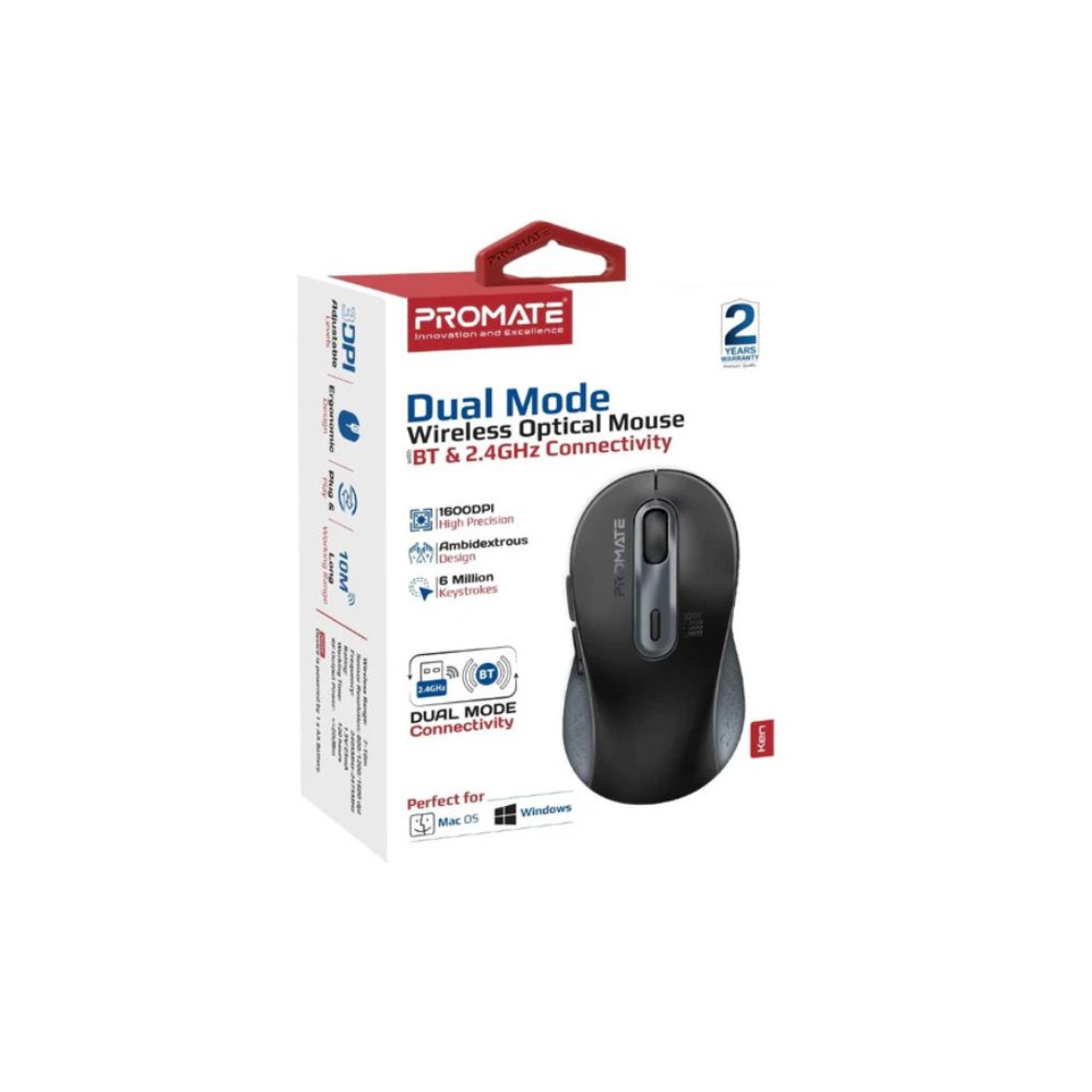
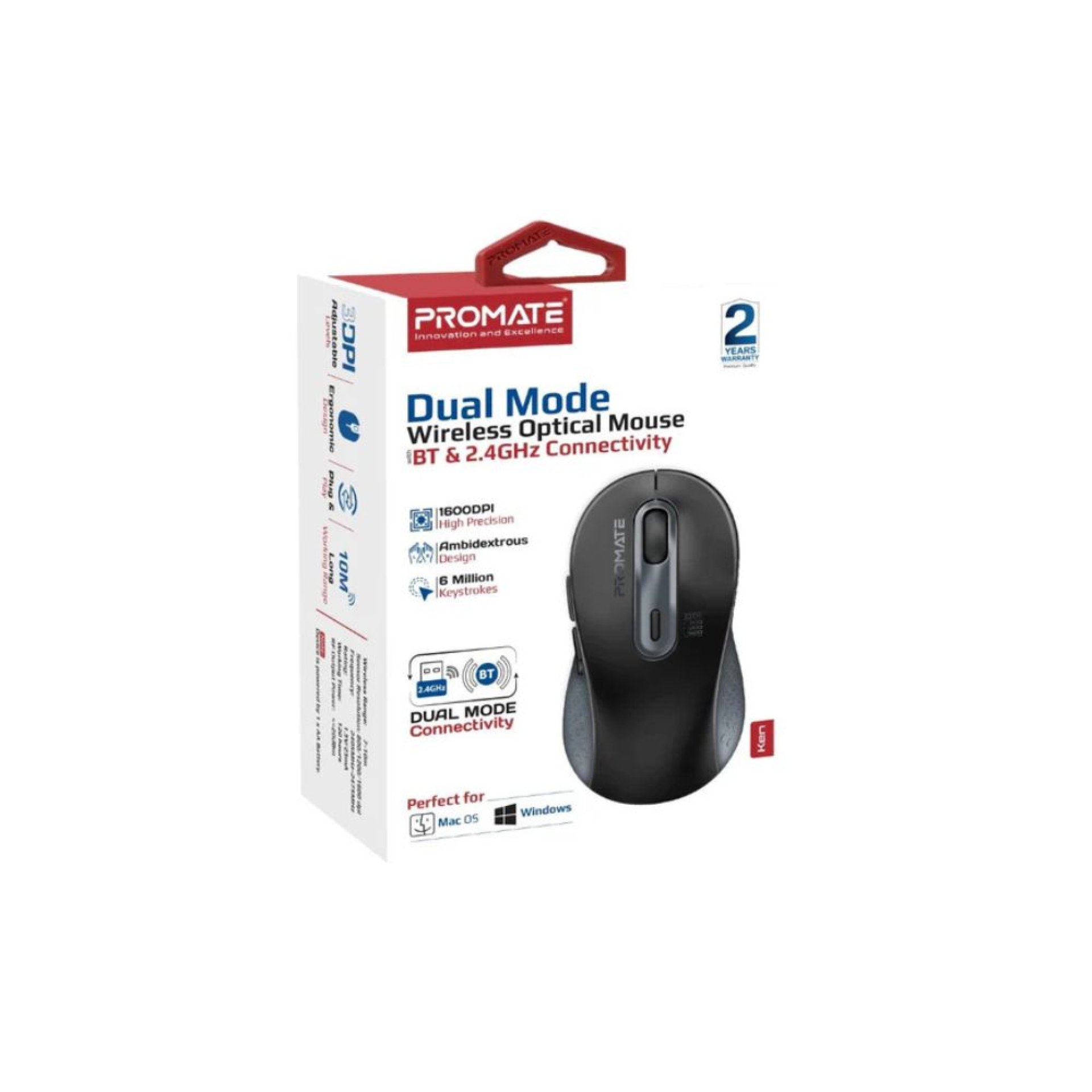
The Promate Ken Ergonomic Ambidextrous Wireless Mouse is a comfortable and versatile wireless mouse designed for both left‑ and right‑handed users. Featuring an ergonomic shape, reliable wireless connectivity, and smooth tracking performance, it’s ideal for everyday computing tasks, office use, studying, and casual gaming—whether at home or on the go.
- Ergonomic ambidextrous design suitable for both left and right hands
- Wireless connectivity for a clutter‑free workspace
- Precise optical tracking for smooth cursor movement
- Plug‑and‑play USB receiver for easy setup
- Long battery life for extended use
Promate Ken Ergonomic Ambidextrous Wireless Mouse – Specifications
| Specification |
Details |
| Brand |
Promate |
| Model |
Ken Ergonomic Ambidextrous Wireless Mouse |
| Connectivity |
Wireless (2.4 GHz) USB receiver |
| Tracking |
Optical sensor |
| Buttons |
3‑button design (Left, Right, Scroll) |
| DPI |
Adjustable (commonly 800/1200/1600) |
| Power |
AA/AAA battery (varies by region/model) |
| Wireless Range |
~10 m |
| Compatibility |
Windows, macOS, Linux |
Promate Ken Ergonomic Ambidextrous Wireless Mouse – Price in Kenya
| Product |
Price (KES) |
| Promate Ken Ergonomic Ambidextrous Wireless Mouse |
2,000 – 3,800 (approx.) |
Promate Ken Ergonomic Ambidextrous Wireless Mouse – Design and Build
- Ergonomic ambidextrous profile for comfortable use by all users
- Lightweight and portable build for home or travel use
- Smooth scroll wheel and responsive click buttons
- Compact size suitable for desks or laptop bags
Promate Ken Ergonomic Ambidextrous Wireless Mouse – Performance
- Precise optical sensor for accurate cursor control
- Stable wireless performance with minimal interference
- Comfortable for long working or browsing sessions
- Adjustable DPI levels to suit different needs
Promate Ken Ergonomic Ambidextrous Wireless Mouse – Connectivity
- Wireless 2.4 GHz USB receiver for simple plug‑and‑play use
- No software installation required
- Works with most USB‑enabled computers and laptops
- Cable‑free design for clean workspace
Promate Ken Ergonomic Ambidextrous Wireless Mouse – Pros and Cons
| Pros |
Cons |
| Comfortable ambidextrous design |
Requires USB port for receiver |
| Wireless convenience |
Not Bluetooth (uses USB dongle) |
| Precise optical tracking |
Batteries needed (periodic replacement) |
| Adjustable DPI support |
Lacks advanced programmable buttons |
| Plug‑and‑play setup |
Not optimized for competitive gaming |
Promate Ken Ergonomic Ambidextrous Wireless Mouse – FAQs
- Is it easy to set up?
Yes — plug the USB receiver in and the mouse works instantly with no software required.
- Does it work with laptops and desktops?
Yes — it’s compatible with Windows, macOS, and Linux systems that support USB devices.
- Is it comfortable for long use?
Yes — the ergonomic ambidextrous design makes it comfortable for extended sessions.
- Does it support adjustable DPI?
Yes — it typically supports multiple DPI levels for precise control.
- Does it need batteries?
Yes — it runs on replaceable AA/AAA batteries (depending on region/model).
Conclusion
The Promate Ken Ergonomic Ambidextrous Wireless Mouse offers reliable wireless performance, an ambidextrous ergonomic design, and accurate tracking in a compact and user‑friendly package. It’s an excellent everyday mouse for students, professionals, and casual users seeking comfortable all‑round performance.