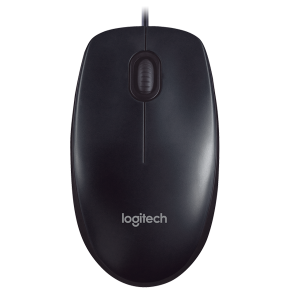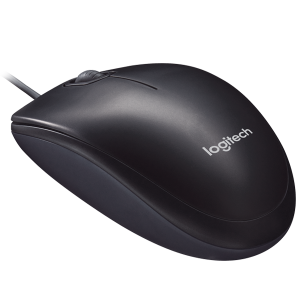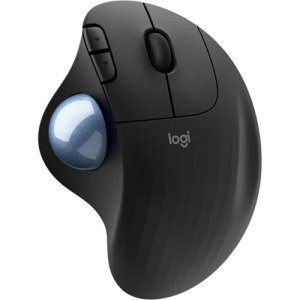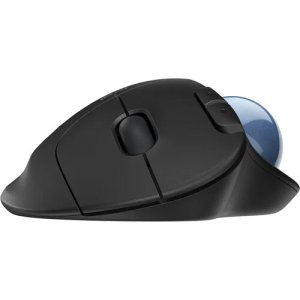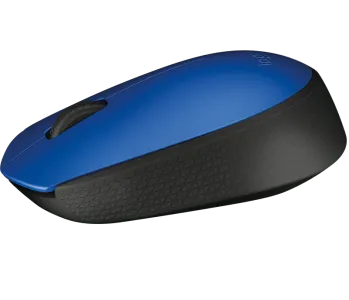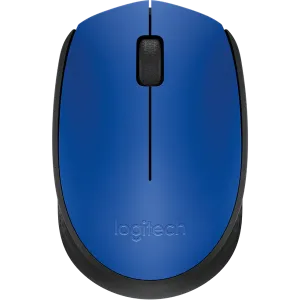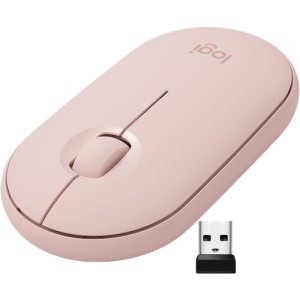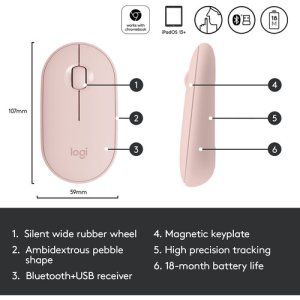

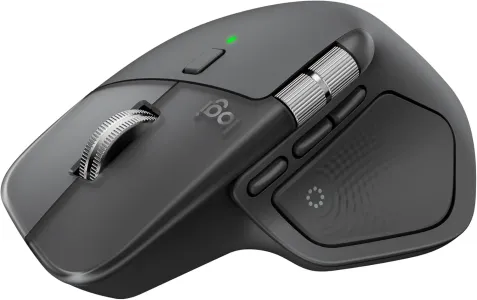
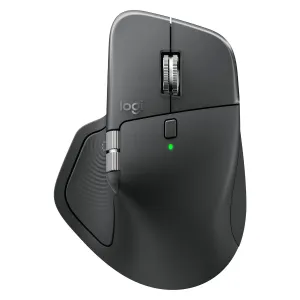
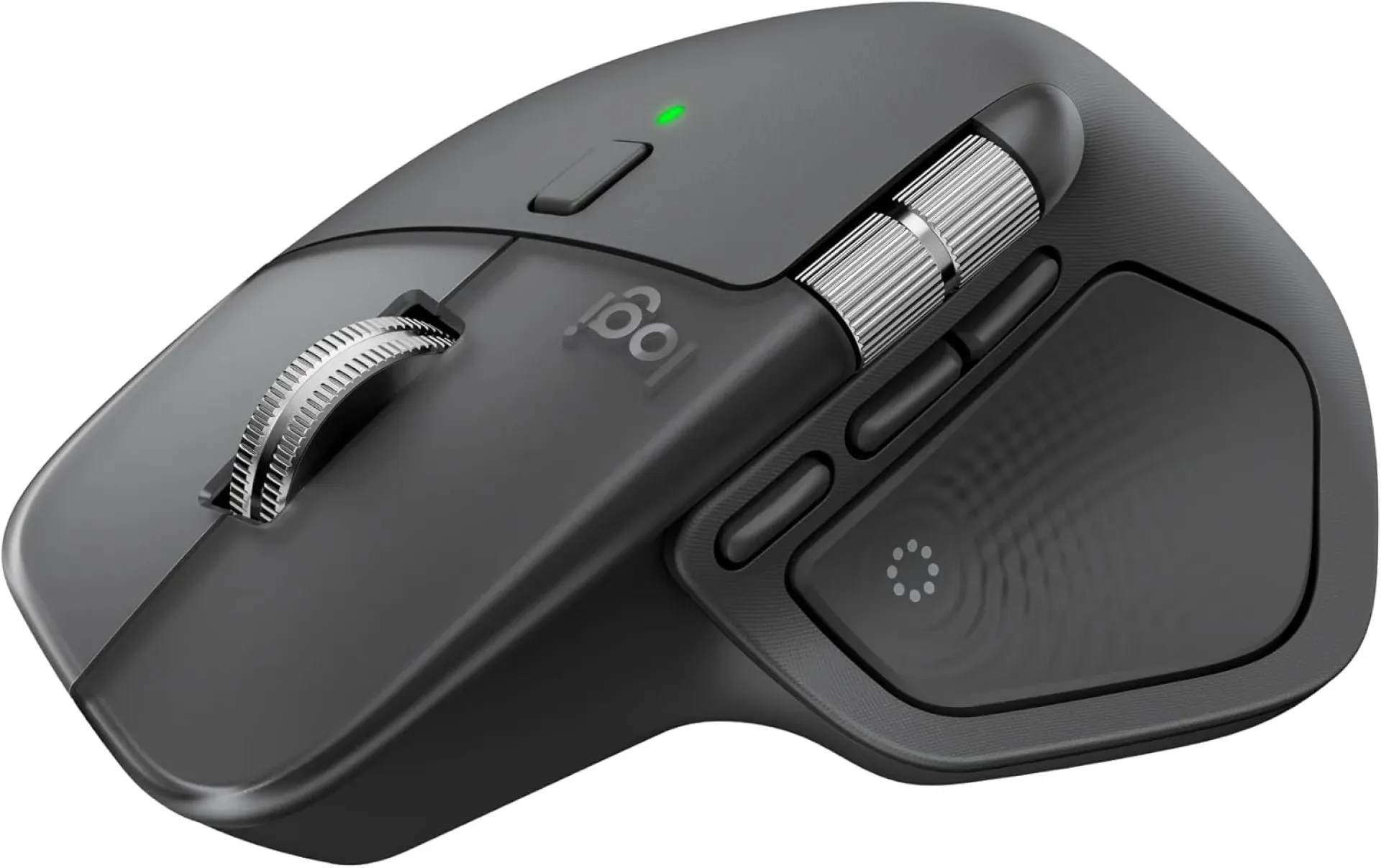
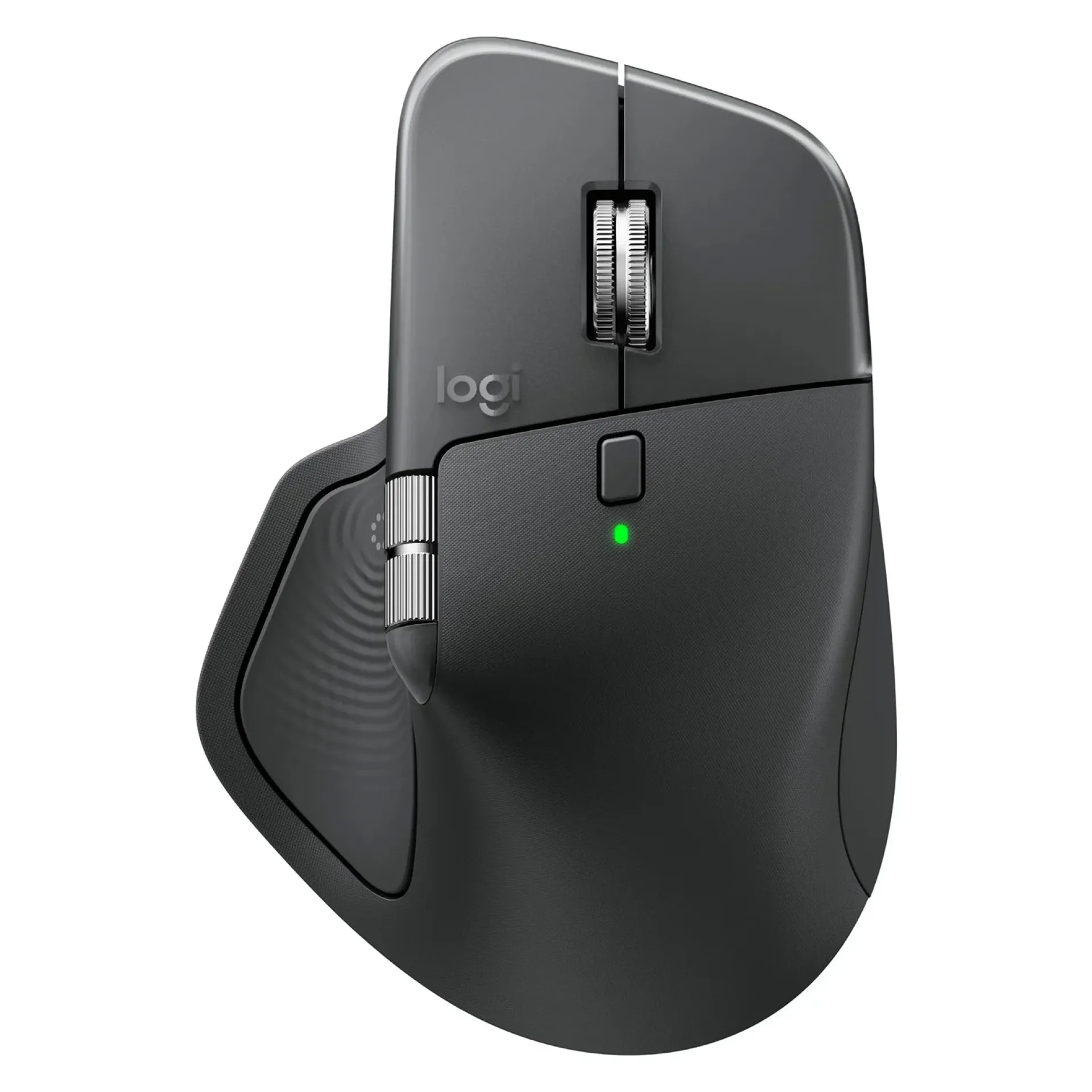
Logitech MX Master 4 Ergonomic Bluetooth Mouse-Graphite-910-007562
-
Sensor: Darkfield, up to 8000 DPI (tracks even on glass)
-
Scroll Wheel: MagSpeed electromagnetic scrolling (fast + precise)
-
Buttons: Multiple programmable, with new Action Ring shortcuts
-
Connectivity: Bluetooth + Logi Bolt (USB‑C charging)
-
Battery: Rechargeable, up to 70 days per charge
-
Design: Ergonomic, full‑size, premium comfort
-
Features: Customizable haptic feedback, multi‑device support
-
Color: Graphite
Logitech MX Master 4 Ergonomic Bluetooth Mouse-Graphite-910-007562
The Logitech MX Master 4 Ergonomic Bluetooth Mouse (Graphite, 910-007562) is a premium productivity mouse designed for professionals, creatives, and power users. With its sculpted ergonomic design, MagSpeed SmartWheel, and multi-device pairing, the MX Master 4 delivers unmatched comfort and efficiency. It is ideal for designers, programmers, and office professionals who require precision, speed, and customizable controls.
Logitech MX Master 4 Ergonomic Bluetooth Mouse Price in Kenya
| Model | Price Range (KSh) |
|---|---|
| Logitech MX Master 4 Ergonomic Bluetooth Mouse | 17,000 – 21,000 |
Logitech MX Master 4 Ergonomic Bluetooth Mouse Key Specifications
| Feature | Details |
|---|---|
| Sensor | Darkfield™ laser sensor, 200–8000 DPI |
| Connectivity | Bluetooth Low Energy, Logi Bolt USB receiver |
| Buttons | 7 programmable buttons including thumbwheel |
| Scroll Wheel | MagSpeed SmartWheel – fast, silent, precise |
| Multi-Device Pairing | Easy-Switch for up to 3 devices |
| Battery | Li-Po rechargeable, USB-C charging |
| Compatibility | Windows, macOS, Linux, iPadOS |
| Ergonomics | Sculpted shape, silicone thumb rest |
| Model Number | 910-007562 |
| Color | Graphite |
Design & Build
The Logitech MX Master 4 features a sculpted ergonomic design with a soft silicone thumb rest, ensuring comfort during long work sessions. Its MagSpeed SmartWheel allows ultra-fast scrolling, while the side thumbwheel enhances productivity for tasks like video editing and spreadsheets. The graphite finish gives it a sleek, professional look, and the build quality ensures durability for heavy daily use.
Logitech MX Master 4 Ergonomic Bluetooth Mouse Features and Performance
-
Logitech MX Master 4 ergonomic design reduces strain during extended use.
-
Logitech MX Master 4 MagSpeed SmartWheel delivers fast and precise scrolling.
-
Logitech MX Master 4 Darkfield sensor tracks on virtually any surface, including glass.
-
Logitech MX Master 4 multi-device pairing allows seamless switching between up to 3 devices.
-
Logitech MX Master 4 rechargeable battery offers long-lasting performance with USB-C charging.
Logitech MX Master 4 Ergonomic Bluetooth Mouse Ideal Use Cases
-
Logitech MX Master 4 for professionals: Perfect for office productivity and multitasking.
-
Logitech MX Master 4 for designers: Ideal for precision tasks like graphic design and video editing.
-
Logitech MX Master 4 for programmers: Customizable buttons enhance workflow efficiency.
-
Logitech MX Master 4 for remote workers: Multi-device pairing supports laptops, tablets, and desktops.
Logitech MX Master 4 Ergonomic Bluetooth Mouse Highlights or Smart Features
-
Logitech MX Master 4 MagSpeed SmartWheel for ultra-fast scrolling.
-
Logitech MX Master 4 Darkfield sensor for glass tracking.
-
Logitech MX Master 4 Easy-Switch technology for multi-device use.
-
Logitech MX Master 4 USB-C fast charging for convenience.
-
Logitech MX Master 4 customizable buttons for personalized workflows.
Logitech MX Master 4 Ergonomic Bluetooth Mouse Pros and Cons
| Pros | Cons |
|---|---|
| Logitech MX Master 4 ergonomic design ensures comfort | Logitech MX Master 4 premium price may be high for casual users |
| Logitech MX Master 4 MagSpeed SmartWheel offers precision scrolling | Logitech MX Master 4 slightly bulky for small hands |
| Logitech MX Master 4 Darkfield sensor tracks on glass | Logitech MX Master 4 lacks RGB lighting for gamers |
| Logitech MX Master 4 multi-device pairing enhances productivity | Logitech MX Master 4 heavier than standard mice |
| Logitech MX Master 4 USB-C rechargeable battery | Logitech MX Master 4 limited to 7 programmable buttons |
FAQs
Q1: What is the DPI range of the Logitech MX Master 4? It supports 200–8000 DPI with the Darkfield sensor.
Q2: How many devices can the Logitech MX Master 4 connect to simultaneously? It can pair with up to 3 devices using Easy-Switch.
Q3: Does the Logitech MX Master 4 work on glass surfaces? Yes, the Darkfield sensor allows tracking on glass.
Q4: How long does the battery last on the Logitech MX Master 4? It offers weeks of use on a single charge, rechargeable via USB-C.
Q5: Is the Logitech MX Master 4 suitable for gaming? It is designed for productivity and creative work, not advanced gaming.
Q6: Does the Logitech MX Master 4 support customizable buttons? Yes, it has 7 programmable buttons that can be customized via Logitech Options software.
Conclusion
The Logitech MX Master 4 Ergonomic Bluetooth Mouse (Graphite, 910-007562) is a premium productivity tool that combines comfort, precision, and versatility. With its MagSpeed SmartWheel, Darkfield sensor, and multi-device pairing, it is perfect for professionals, designers, and programmers who demand efficiency and reliability. Priced between KSh 17,000–21,000 in Kenya, the MX Master 4 offers excellent value for those seeking a high-performance ergonomic mouse for everyday productivity.
| Shipping Cost |
|
| Shop Location | Kenya |