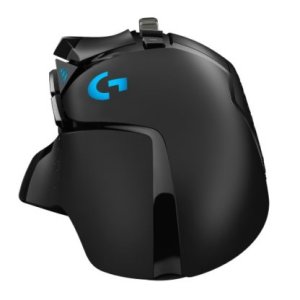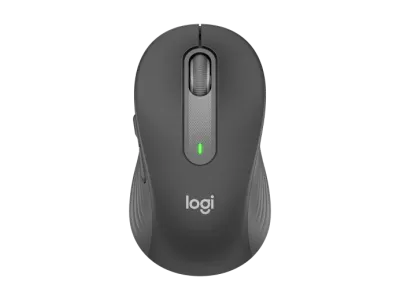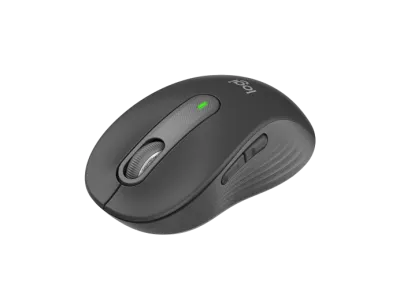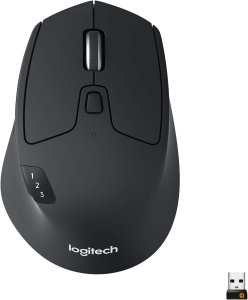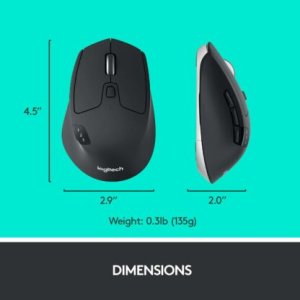

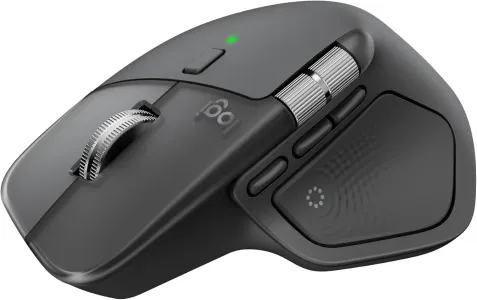
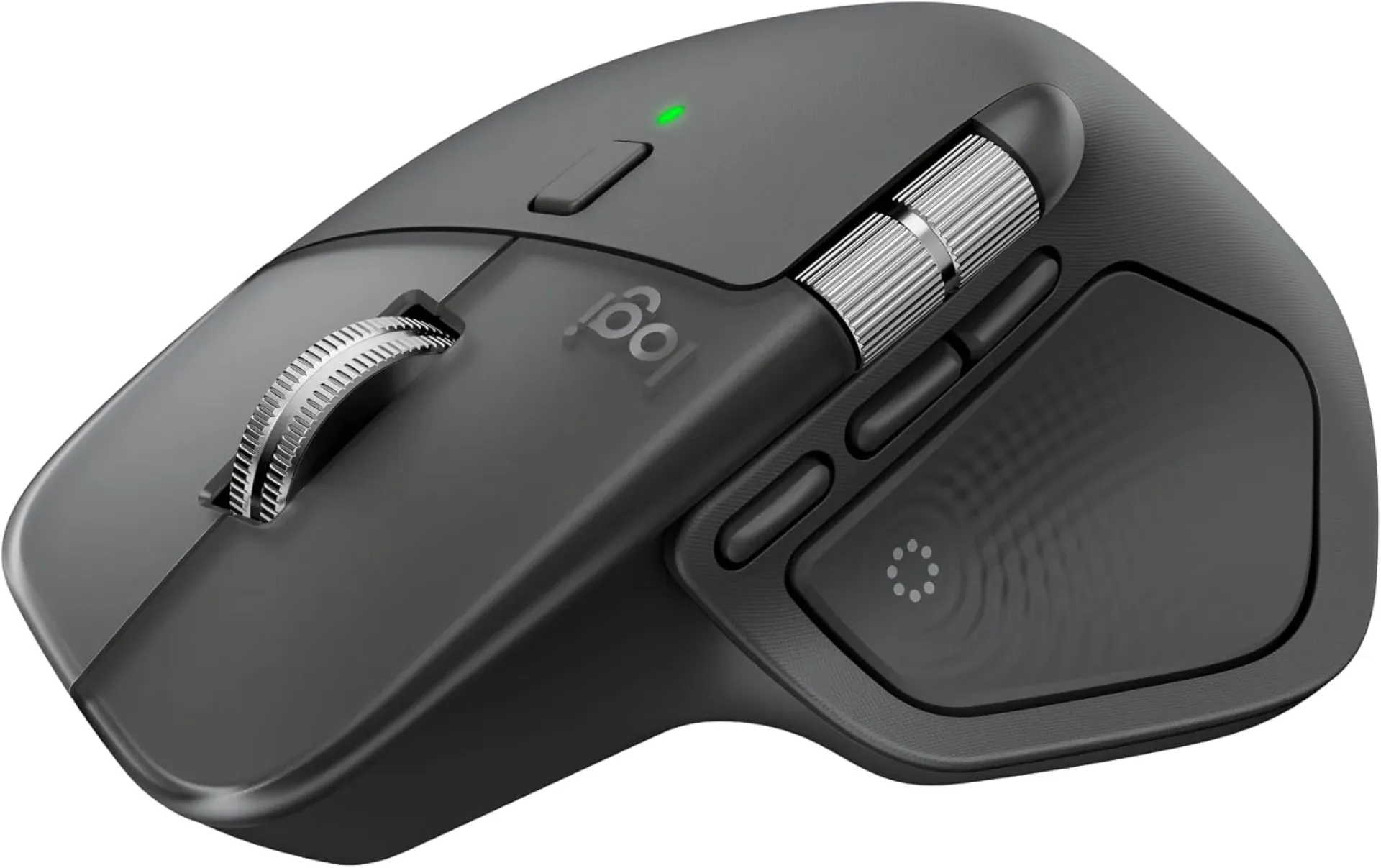
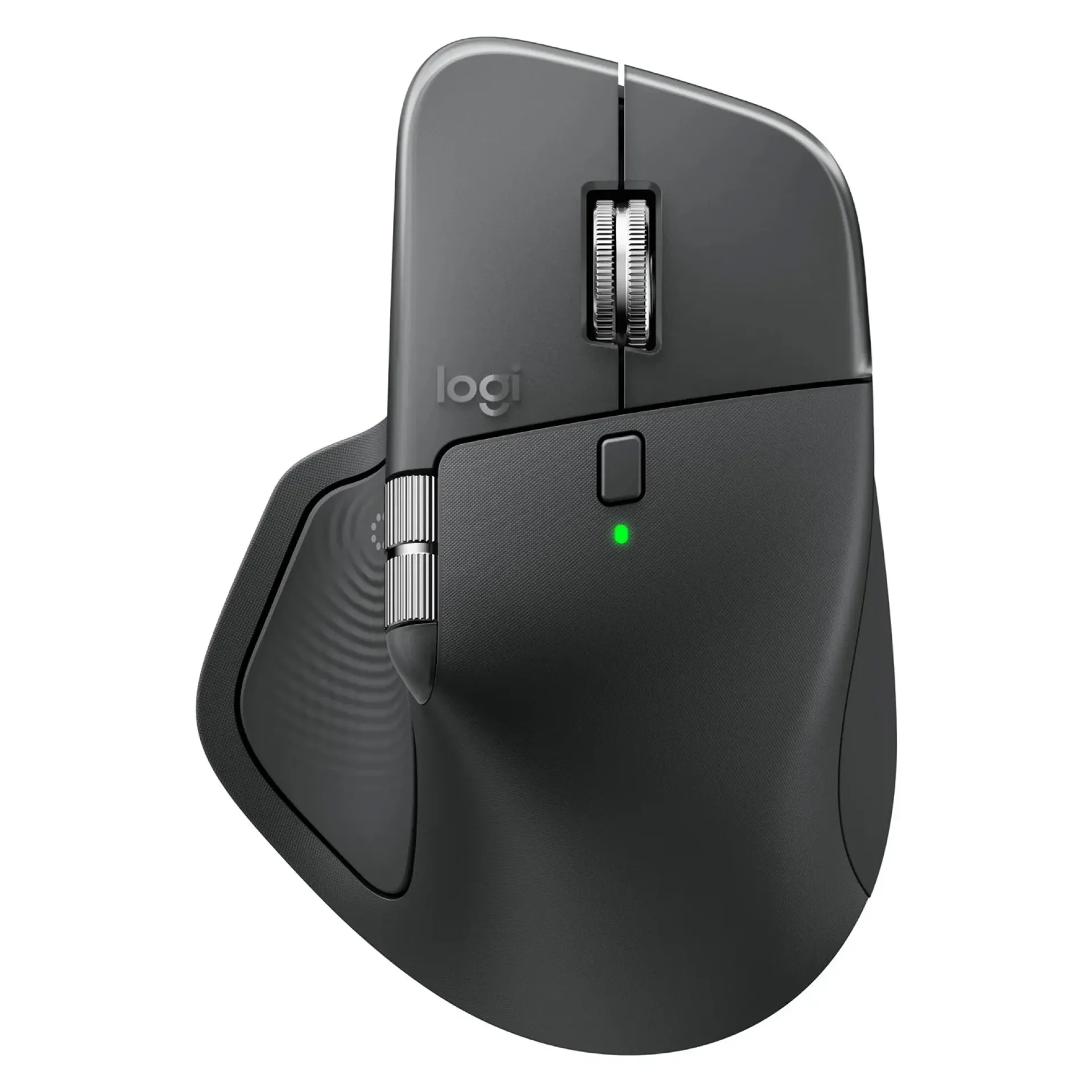
Logitech MX Master 3S Performance Wireless Mouse – Graphite-910-007501
-
Sensor: 8,000 DPI optical (Darkfield, tracks on glass)
-
Scroll Wheel: MagSpeed electromagnetic (scroll 1,000 lines/sec)
-
Buttons: 7 programmable + thumb wheel
-
Connectivity: Bluetooth + Logi Bolt USB receiver
-
Battery: Rechargeable, up to 70 days per charge (USB‑C)
-
Design: Ergonomic, right‑handed, premium comfort
-
Features: Quiet Clicks, multi‑device support (Logitech Flow)
-
Material: Made with recycled plastic (~27%)
Logitech MX Master 3S Performance Wireless Mouse – Graphite-910-007501
The Logitech MX Master 3S Performance Wireless Mouse (Graphite, 910-007501) is a premium productivity mouse designed for professionals, creatives, and multitaskers. With its ergonomic sculpted design, MagSpeed SmartWheel, and multi-device pairing, the MX Master 3S offers precision, comfort, and efficiency. It is ideal for designers, programmers, and office professionals who require customizable controls and seamless workflow integration.
Logitech MX Master 3S Performance Wireless Mouse Price in Kenya
| Model | Price Range (KSh) |
|---|---|
| Logitech MX Master 3S Performance Wireless Mouse | 16,500 – 18,500 |
Logitech MX Master 3S Performance Wireless Mouse Key Specifications
| Feature | Details |
|---|---|
| Sensor | Darkfield™ laser sensor, 200–8000 DPI |
| Connectivity | Bluetooth Low Energy, Logi Bolt USB receiver |
| Buttons | 7 programmable buttons including thumbwheel |
| Scroll Wheel | MagSpeed SmartWheel – fast, silent, precise |
| Multi-Device Pairing | Easy-Switch for up to 3 devices |
| Battery | Li-Po rechargeable, USB-C charging |
| Compatibility | Windows, macOS, Linux, iPadOS |
| Ergonomics | Sculpted shape, silicone thumb rest |
| Model Number | 910-007501 |
| Color | Graphite |
Design & Build
The Logitech MX Master 3S features a sculpted ergonomic design with a soft thumb rest, ensuring comfort during long work sessions. Its MagSpeed SmartWheel allows ultra-fast scrolling, while the side thumbwheel enhances productivity for tasks like video editing and spreadsheets. The graphite finish gives it a sleek, professional look, and the build quality ensures durability for heavy daily use.
Logitech MX Master 3S Performance Wireless Mouse Features and Performance
-
Logitech MX Master 3S ergonomic design reduces strain during extended use.
-
Logitech MX Master 3S MagSpeed SmartWheel delivers fast and precise scrolling.
-
Logitech MX Master 3S Darkfield sensor tracks on virtually any surface, including glass.
-
Logitech MX Master 3S multi-device pairing allows seamless switching between up to 3 devices.
-
Logitech MX Master 3S rechargeable battery offers long-lasting performance with USB-C charging.
Logitech MX Master 3S Performance Wireless Mouse Ideal Use Cases
-
Logitech MX Master 3S for professionals: Perfect for office productivity and multitasking.
-
Logitech MX Master 3S for designers: Ideal for precision tasks like graphic design and video editing.
-
Logitech MX Master 3S for programmers: Customizable buttons enhance workflow efficiency.
-
Logitech MX Master 3S for remote workers: Multi-device pairing supports laptops, tablets, and desktops.
Logitech MX Master 3S Performance Wireless Mouse Highlights or Smart Features
-
Logitech MX Master 3S MagSpeed SmartWheel for ultra-fast scrolling.
-
Logitech MX Master 3S Darkfield sensor for glass tracking.
-
Logitech MX Master 3S Easy-Switch technology for multi-device use.
-
Logitech MX Master 3S USB-C fast charging for convenience.
-
Logitech MX Master 3S customizable buttons for personalized workflows.
Logitech MX Master 3S Performance Wireless Mouse Pros and Cons
| Pros | Cons |
|---|---|
| Logitech MX Master 3S ergonomic design ensures comfort | Logitech MX Master 3S premium price may be high for casual users |
| Logitech MX Master 3S MagSpeed SmartWheel offers precision scrolling | Logitech MX Master 3S slightly bulky for small hands |
| Logitech MX Master 3S Darkfield sensor tracks on glass | Logitech MX Master 3S lacks RGB lighting for gamers |
| Logitech MX Master 3S multi-device pairing enhances productivity | Logitech MX Master 3S heavier than standard mice |
| Logitech MX Master 3S USB-C rechargeable battery | Logitech MX Master 3S limited to 7 programmable buttons |
FAQs
Q1: What is the DPI range of the Logitech MX Master 3S? It supports 200–8000 DPI with the Darkfield sensor.
Q2: How many devices can the Logitech MX Master 3S connect to simultaneously? It can pair with up to 3 devices using Easy-Switch.
Q3: Does the Logitech MX Master 3S work on glass surfaces? Yes, the Darkfield sensor allows tracking on glass.
Q4: How long does the battery last on the Logitech MX Master 3S? It offers weeks of use on a single charge, rechargeable via USB-C.
Q5: Is the Logitech MX Master 3S suitable for gaming? It is designed for productivity and creative work, not advanced gaming.
Q6: Does the Logitech MX Master 3S support customizable buttons? Yes, it has 7 programmable buttons that can be customized via Logitech Options software.
Conclusion
The Logitech MX Master 3S Performance Wireless Mouse (Graphite, 910-007501) is a premium productivity tool that combines comfort, precision, and versatility. With its MagSpeed SmartWheel, Darkfield sensor, and multi-device pairing, it is perfect for professionals, designers, and programmers who demand efficiency and reliability. Priced between KSh 16,500–18,500 in Kenya, the MX Master 3S offers excellent value for those seeking a high-performance ergonomic mouse for everyday productivity.
| Shipping Cost |
|
| Shop Location | Kenya |