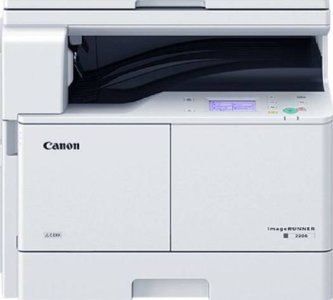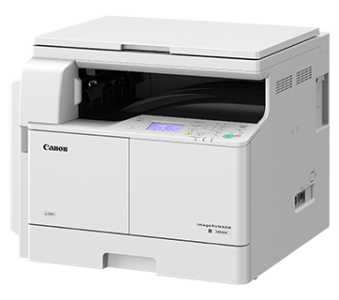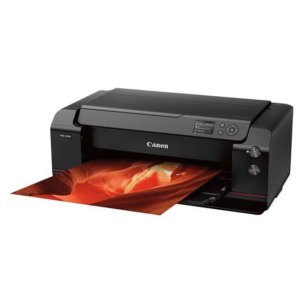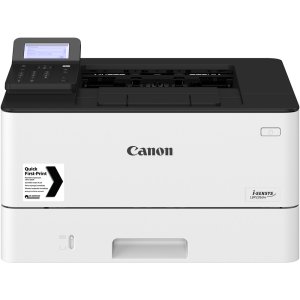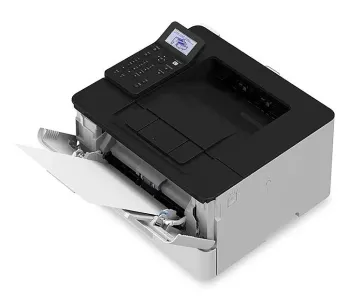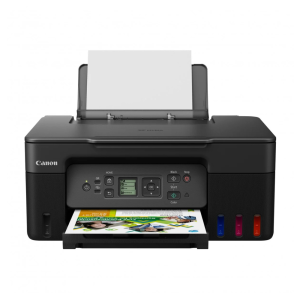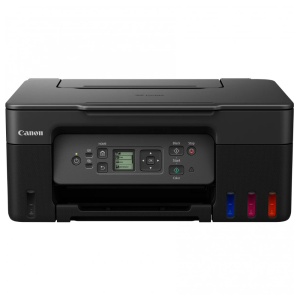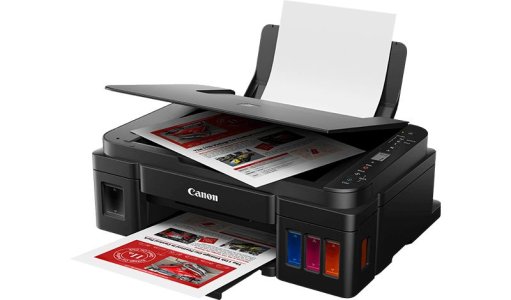

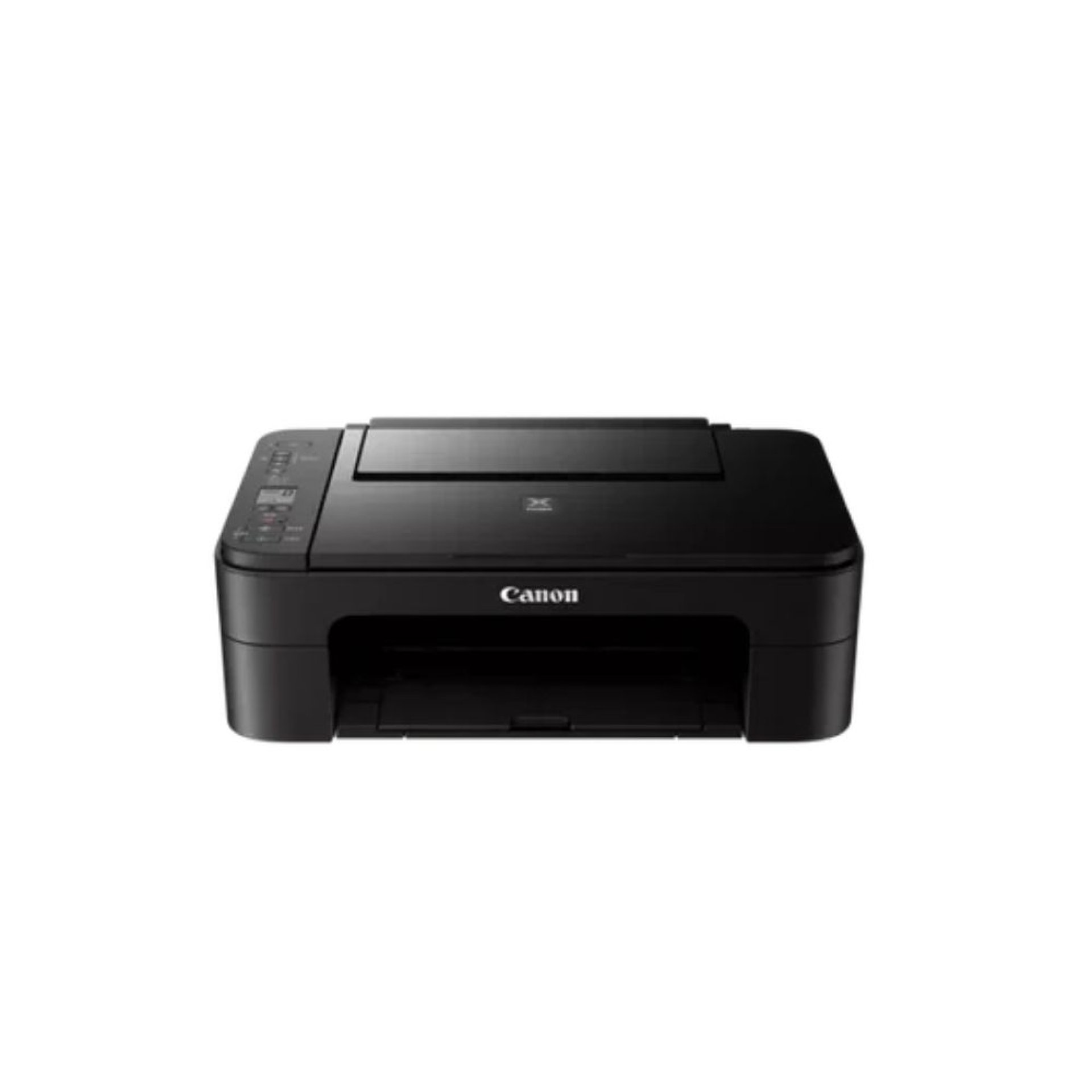
CANON PIXMA TS3340 WIRELESS ALL-IN-ONE PRINTER
- All-in-one function: Print, scan, copy
- Wireless Wi-Fi printing support
- Mobile printing via Canon PRINT app
- Compact and space-saving design
- Borderless photo printing support
- FINE cartridge system for sharp output
- Simple 1.5-inch LCD display
- High-quality document and photo printing
- Easy setup and user-friendly operation
- Compatible with Windows and macOS
CANON PIXMA TS3340 WIRELESS ALL-IN-ONE PRINTER
The Canon PIXMA TS3340 Wireless All-in-One Printer is a compact and affordable inkjet printer designed for home and light office use. It offers printing, scanning, and copying functions with easy wireless connectivity, making it ideal for students, home users, and small businesses that need basic everyday printing.
It delivers sharp text documents and vibrant borderless photos while supporting mobile printing through Wi-Fi and Canon’s mobile apps.
CANON PIXMA TS3340 Price in Kenya
| Product | Price |
|---|---|
| Canon PIXMA TS3340 Wireless Printer | KSh 9,800 |
CANON PIXMA TS3340 Specifications
| Specification | Details |
|---|---|
| Product Type | Inkjet Multifunction Printer |
| Brand | Canon |
| Model | PIXMA TS3340 |
| Print Technology | Inkjet |
| Print Resolution | Up to 4800 × 1200 dpi |
| Print Speed | Approx. 7.7 ipm (mono), 4.0 ipm (color) |
| Functions | Print, Scan, Copy |
| Ink System | FINE Cartridge (Black & Color) |
| Connectivity | Wi-Fi, USB |
| Display | 1.5-inch LCD |
| Paper Sizes | A4, A5, B5, Photo sizes |
| Supported OS | Windows, macOS |
CANON PIXMA TS3340 Performance and Usage Overview
- Good quality document printing for daily tasks
- Suitable for light home and school use
- Produces vibrant color photos on photo paper
- Stable wireless printing from multiple devices
- Low-cost entry-level printing solution
- Best for occasional to moderate printing needs
CANON PIXMA TS3340 Connectivity
- Wireless Wi-Fi printing
- USB connection to PC/laptop
- Mobile printing support
- Canon PRINT app compatibility
- Compatible with Windows and macOS
CANON PIXMA TS3340 Build Quality and Design
- Compact and lightweight design
- Simple control panel with LCD display
- Space-saving structure for home use
- Easy cartridge replacement system
- Designed for basic everyday printing
CANON PIXMA TS3340 Ideal Use Cases
- Home document printing
- Student assignments
- Light office paperwork
- Photo printing for personal use
- Occasional printing needs
- Budget-friendly printing environments
CANON PIXMA TS3340 Pros and Cons
| Pros | Cons |
|---|---|
| Affordable price | Slow print speed |
| Wireless connectivity | No automatic duplex printing |
| Print, scan, copy functions | Basic LCD display |
| Compact design | Not suitable for heavy office use |
| Good photo output | Cartridge-based ink system |
CANON PIXMA TS3340 FAQS
Q: Does it support wireless printing?
A: Yes, it supports Wi-Fi printing and mobile printing.
Q: Can it scan and copy documents?
A: Yes, it has scanning and copying functions.
Q: Is it suitable for office use?
A: It is best for home or light office use.
Q: Does it print photos?
A: Yes, it supports borderless photo printing.
Q: Does it support automatic duplex printing?
A: No, duplex printing is manual.
CANON PIXMA TS3340 Conclusion
The Canon PIXMA TS3340 Wireless All-in-One Printer, priced at KSh 9,800 in Kenya, is an affordable and reliable printer for home and light office use. With wireless connectivity, scanning, copying, and decent photo output, it is a great entry-level printing solution for everyday tasks.
| Shipping Cost |
|
| Shop Location | Kenya |